Bring depth to your
screen recordings.
Effortlessly.
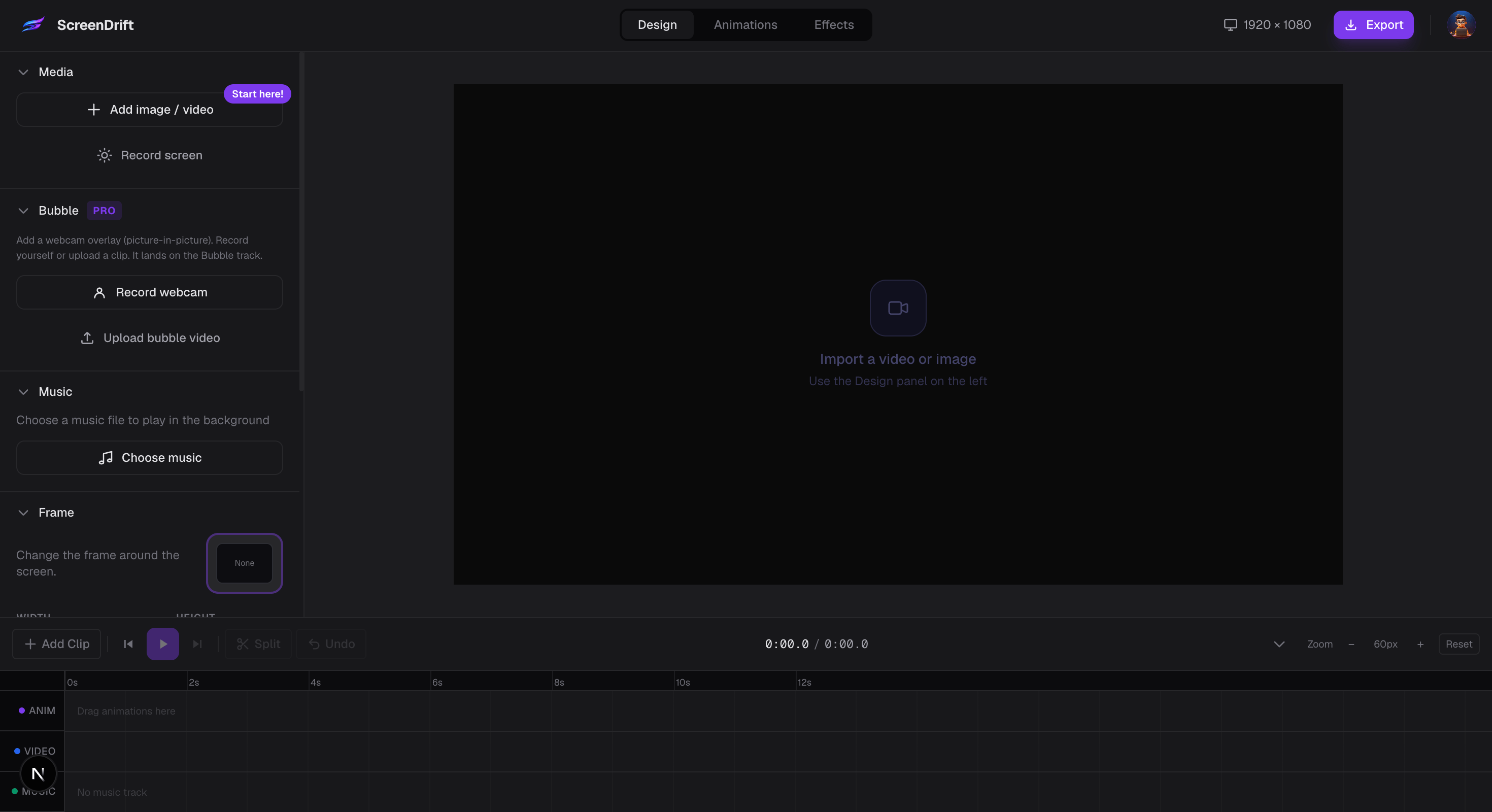
Turn raw screen recordings into cinematic 3D product videos. Browser-based, GPU-powered, zero uploads, lifetime access for the price of a coffee run.
Creators shipping demos
Animation presets
Uploaded to any server
4K cinematic output
The difference
Same recording. Completely different result.
One drag, one preset, ten seconds. The kind of polish that makes people stop scrolling.
The problem
Screen recordings are powerful.But raw recordings lookunpolished by default.
The recording captures the content. But the first thing your audience sees is a plain window on a plain background, with no sense of depth or motion. ScreenDrift adds the layer of polish that makes people stop scrolling.
How it works
From recording to cinematic in three steps.
Drop your recording
Import any screen recording, product demo, or camera footage. MP4, MOV, WebM — anything works.
Apply transforms
Pick from 40+ curated presets or dial in your own camera rotation, scale, and offset. Stack as many as you want.
Export in seconds
GPU-accelerated rendering bakes your video at full quality. No upload. No waiting. No account.
What's inside
Everything you need.
Nothing you don't.
3D Camera Engine
Full 3D transform control
Rotate on X, Y, and Z axes. Adjust scale, offset, and perspective depth. Stack transforms — chain a rotation into a closeup into a drift, all in one timeline.
Animation Library
40+ curated presets
Hand-crafted reveals, drifts, and orbits — each one production-ready out of the box.
Privacy first
Works completely offline
All video processing happens in your browser using WebCodecs and WebGL. Your recordings never leave your machine.
Export
GPU-accelerated rendering
Hardware acceleration via WebCodecs. Full resolution. Multiple formats. Done in seconds, not minutes.
No strings attached
Free, with no watermarks
No account. No watermarks. No export limits on the free tier. Pro unlocks every animation preset.
Animation library
Hover any preset to see it move.
40+ camera moves, hand-tuned. Hover to preview, click to drop into your timeline.
Launch pricing
Less than your morning coffee.
Way more useful.
Skip one latte and get a pro video editor you'll actually use — forever.
Lock in the launch price today. This offer ends when we hit capacity — price goes up to $79 after.
- All animation presets (40+)
- Pro closeup & zoom effects
- Advanced camera controls
- Priority export queue
- Unlimited exports — no watermarks
- Works offline — zero uploads
- Lifetime access — no subscription
60fps
Max frame rate
4K
Export resolution
GPU
Hardware rendering
0 KB
Uploaded to server
∞
Exports per day
From creators
Built for the people who ship.
" I was spending 20 minutes in video editors just to add a basic zoom. Now it takes 30 seconds and looks better.
Alex M.
@alexmakes
" The Drift preset alone sold me. Dropped it on a tutorial and it looked like something from a product launch.
Priya K.
@priyabuilds
" Nothing leaves my machine. As someone who records confidential client work that was the first thing I checked.
Jordan T.
@jtrecords
" My product demos actually get watched now. The 3D tilt on scroll makes people stop and pay attention.
Sam R.
@samships
" Thought this was some gimmicky filter. It's not. The output looks like proper marketing content.
Nico B.
@nicob
" GPU-accelerated rendering is no joke. Exported a 3-minute video in under 40 seconds flat.
Mei L.
@mei_dev
" I was spending 20 minutes in video editors just to add a basic zoom. Now it takes 30 seconds and looks better.
Alex M.
@alexmakes
" The Drift preset alone sold me. Dropped it on a tutorial and it looked like something from a product launch.
Priya K.
@priyabuilds
" Nothing leaves my machine. As someone who records confidential client work that was the first thing I checked.
Jordan T.
@jtrecords
" My product demos actually get watched now. The 3D tilt on scroll makes people stop and pay attention.
Sam R.
@samships
" Thought this was some gimmicky filter. It's not. The output looks like proper marketing content.
Nico B.
@nicob
" GPU-accelerated rendering is no joke. Exported a 3-minute video in under 40 seconds flat.
Mei L.
@mei_dev
" The Orbit preset is the one I use for everything. It makes a boring dashboard walkthrough look cinematic.
Chris W.
@cwdesigns
" Free tier has no watermarks and no limits. I kept waiting for the catch. There isn't one.
Aisha D.
@aishadev
" Every SaaS company should be using this for their demos. It's embarrassing how good the output looks.
Tom H.
@tombuilds
" Used it for a client pitch. They asked what post-production tool we used. Told them it was free and browser-based.
Leila M.
@leilastudio
" Processing happens in the browser. No uploads, no waiting for a server. That alone is worth it.
Raj S.
@rajsdev
" I record on Windows and edit on Mac. Works perfectly in both Chrome and Safari.
Dana K.
@danakodes
" The Orbit preset is the one I use for everything. It makes a boring dashboard walkthrough look cinematic.
Chris W.
@cwdesigns
" Free tier has no watermarks and no limits. I kept waiting for the catch. There isn't one.
Aisha D.
@aishadev
" Every SaaS company should be using this for their demos. It's embarrassing how good the output looks.
Tom H.
@tombuilds
" Used it for a client pitch. They asked what post-production tool we used. Told them it was free and browser-based.
Leila M.
@leilastudio
" Processing happens in the browser. No uploads, no waiting for a server. That alone is worth it.
Raj S.
@rajsdev
" I record on Windows and edit on Mac. Works perfectly in both Chrome and Safari.
Dana K.
@danakodes
FAQ
Common questions. Honest answers.
Make something
worth watching.
Open screenDrift and turn your next screen recording into something you're proud to share.
No registration · No watermarks · Works offline